Custom Order Tracking for Etsy That Scales
Custom order tracking for Etsy helps sellers organize details, deadlines, production, and delivery without losing visibility as order volume grows steadily.

A custom order is rarely just an order. It can include a name spelling, color choice, photo approval, sizing note, gift deadline, and a customer who expects updates before they need to ask. Custom order tracking for Etsy gives those moving pieces a place to live, so your shop can keep its personal touch without relying on memory, inbox searches, and sticky notes.
For a seller handling a few personalized orders each week, Etsy’s order screen may be enough. Once volume grows, though, the real challenge is not seeing that an order exists. It is knowing exactly what needs to happen next, who is waiting on whom, and whether a promised ship date is still realistic.
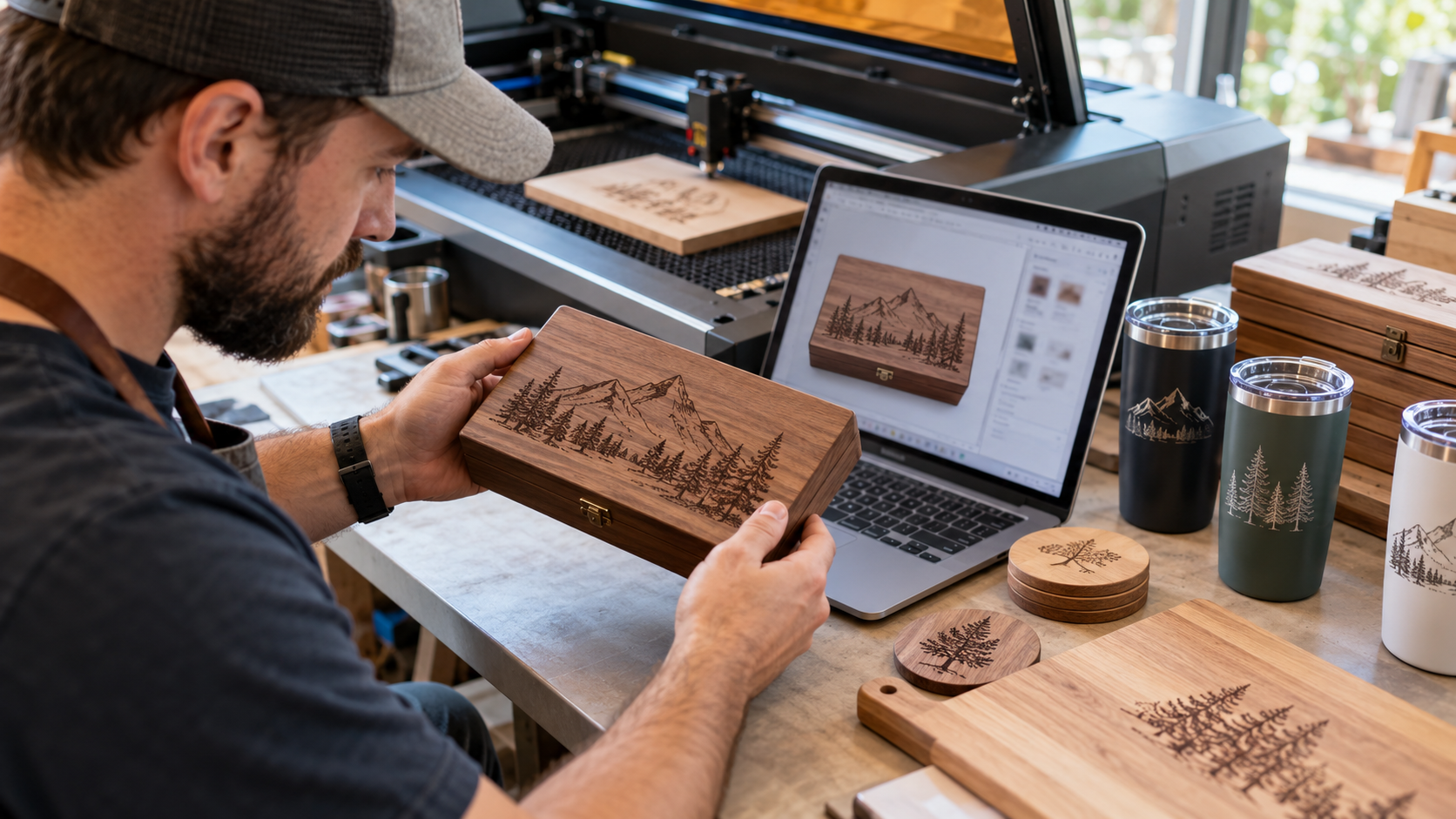
Why Etsy custom orders become harder to manage
Custom products create a workflow that standard, ready-to-ship items do not. A personalized tumbler may need a customer to confirm a font. A custom sign may require artwork approval. A made-to-order garment may depend on blank inventory arriving before production can begin.
Etsy provides order details and messages, but key information is often spread across listing variations, personalization fields, buyer conversations, and your own production process. That fragmentation creates small operational gaps that become expensive at scale. A missed note can mean a remake. An overlooked approval message can mean a late shipment. A vague production status can force you to spend time checking work instead of completing it.
The goal is not to add more process for its own sake. It is to make every custom order easy to understand at a glance: what was requested, what stage it is in, what is blocking it, and when it must ship.
What effective custom order tracking for Etsy looks like
A useful tracking process creates one operational record for each order. That record should bring together the information your team needs to fulfill the order correctly, rather than requiring them to open multiple browser tabs and reconstruct the request.
At a minimum, track the product, personalization details, order date, promised ship date, current production stage, and any customer communication that affects fulfillment. If you use suppliers, print partners, or team members, add ownership and purchase status as well.
The best setup is not necessarily the most detailed one. It depends on your products. A digital invitation shop may only need stages for intake, proof sent, revision, and delivery. A handmade furniture seller may need separate milestones for design approval, material sourcing, build, finish, quality check, and shipment. Build around the work that actually happens in your business.
Use clear production stages
Broad labels such as “in progress” are easy to create and hard to manage. They do not tell you whether the order is waiting for a buyer, waiting for materials, or actively being made.
Instead, use stages that make the next action obvious. For many physical custom-product shops, a practical flow is: new order, review details, awaiting customer response, approved, in production, quality check, packed, and shipped. Each status should answer one question: what needs to happen before this order can move forward?
This creates visibility across the entire queue. When a customer asks for an update, you can respond based on the actual order stage. When the day gets busy, you can prioritize work that is closest to its deadline instead of working from whichever order feels most familiar.
Separate customer approvals from production work
Customer approval is one of the most common causes of avoidable delays. If an order needs a proof, mockup, or clarification, it should not sit in the same status as orders ready for production. That makes it too easy for an unfinished conversation to disappear inside your workload.
Create a dedicated approval stage and a clear follow-up routine. Record when the proof was sent, when a reminder is due, and what happens if the customer does not respond. Your shop policies and listing language should support that process by explaining how approval timing affects the ship date.
There is a trade-off here. More frequent updates can improve customer confidence, but manually sending them can consume the time you were trying to save. Reserve proactive communication for meaningful milestones: proof sent, clarification needed, shipment confirmed, or a delay that changes expectations.
Build one source of truth for order details
The biggest risk in custom fulfillment is not a lack of information. It is conflicting information. A customer may update a spelling in Etsy Messages after placing an order, while the original personalization field still shows the first version. If the production team only sees one source, the wrong version can get made.
Your tracking system should make the final approved detail clear. Add a visible field for the production-ready instruction, and make it standard practice to update that field when a buyer changes a request. Keep the original note for reference, but do not leave your team guessing which version to use.
This also matters when you work with help. A virtual assistant, production partner, or part-time employee should be able to open an order and understand it without reading a long message history. The less interpretation required, the more consistent your fulfillment becomes.
Track deadlines backward, not just forward
A ship-by date is the final deadline, not the production plan. To protect it, work backward from that date.
If an order takes two days to make, one day to cure or dry, and one day to pack and hand off, it cannot stay in “new order” until the day before shipment. Assign internal target dates for approval, production start, and quality check. This gives you room to handle revisions, supply issues, or a higher-than-usual order week.
For shops with variable production times, use priority views rather than one fixed sequence. Orders that need customer input should be visible separately from orders that can be made immediately. Orders nearing their internal production start date should rise to the top before they become late.
Reduce rework with a quality-check step
Custom work has little margin for preventable mistakes. Before an order is marked packed, compare the finished item with the approved production instruction. Check spelling, dates, colors, size, orientation, and any order-specific details that are easy to miss when you are moving quickly.
This step should be simple enough that it gets done during peak season. A quick checklist is often better than an elaborate review process that your team skips when orders pile up. For high-value or highly personalized items, consider a second review before shipment. For lower-cost products with standardized personalization, one clear check may be enough.
The point is to catch errors when they are still inexpensive. A five-second spelling check is far cheaper than a replacement, refund, negative review, and the time spent repairing customer trust.
Know when spreadsheets stop being enough
A spreadsheet can be a smart starting point. It is flexible, familiar, and inexpensive. For a newer Etsy seller, it may provide the structure needed to get control of a custom-order workflow.
Its limits appear when order volume, team size, or product complexity increases. Manual entry creates duplicate work. Multiple people can overwrite information. A spreadsheet does not naturally connect the order queue, customer messages, production tasks, inventory needs, and shipment status. You can maintain it, but the maintenance becomes its own job.
A dedicated Etsy store management system can centralize that work and reduce the handoffs that create errors. Gainsy is built for sellers who need one command center for growing Etsy operations, helping turn order activity into a clearer daily workflow instead of another set of tabs to manage.
Make tracking part of the daily operating rhythm
Order tracking only works when it is used consistently. Review new custom orders at the start of the day. Check approval requests and approaching internal deadlines before beginning production. Update statuses as work moves, not hours or days later when details are easier to forget.
This does not need to become a complicated meeting schedule. It is a short operating rhythm that protects your production capacity and gives you a realistic view of what the business can handle. Over time, the data also shows where your process slows down. You may find that proofs take longer than expected, certain products create more revisions, or a supplier lead time needs to be built into your published processing times.
The right system lets you keep the details that make custom products valuable while removing the manual chaos behind them. When every order has a clear next step, growth feels less like chasing a growing pile of requests and more like running a business you can confidently scale.