Background Remover — Batch Transparent PNG Maker for POD & Etsy
Batch Background Remover for Print-on-Demand
Background Remover — Batch Transparent-PNG Tool for Print-on-Demand
Overview
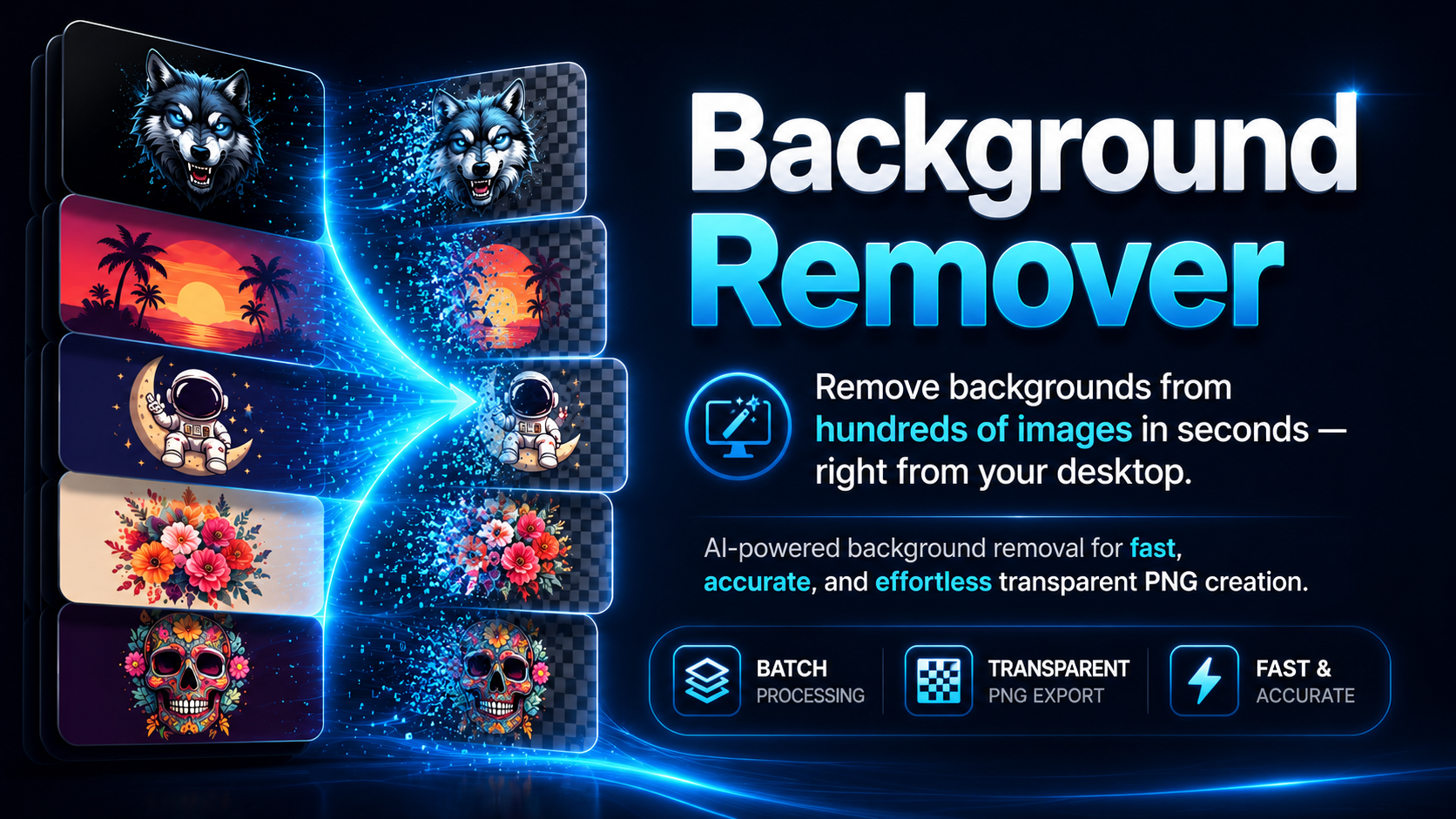
Background Remover (Turkish: Arkaplan Temizleyici) is a single-file desktop application that removes the background from a design and saves it as a clean, transparent PNG. It is built for sellers and designers who prepare artwork for print-on-demand platforms (Etsy, t-shirts, mugs, stickers, DTF/sublimation transfers) and need many files processed quickly and consistently.
You point it at one image or a whole folder, choose how the background should be removed, preview the result live, and export every file at once. The interface is bilingual — you can switch between English and Turkish at any time with a single button.
What problem it solves
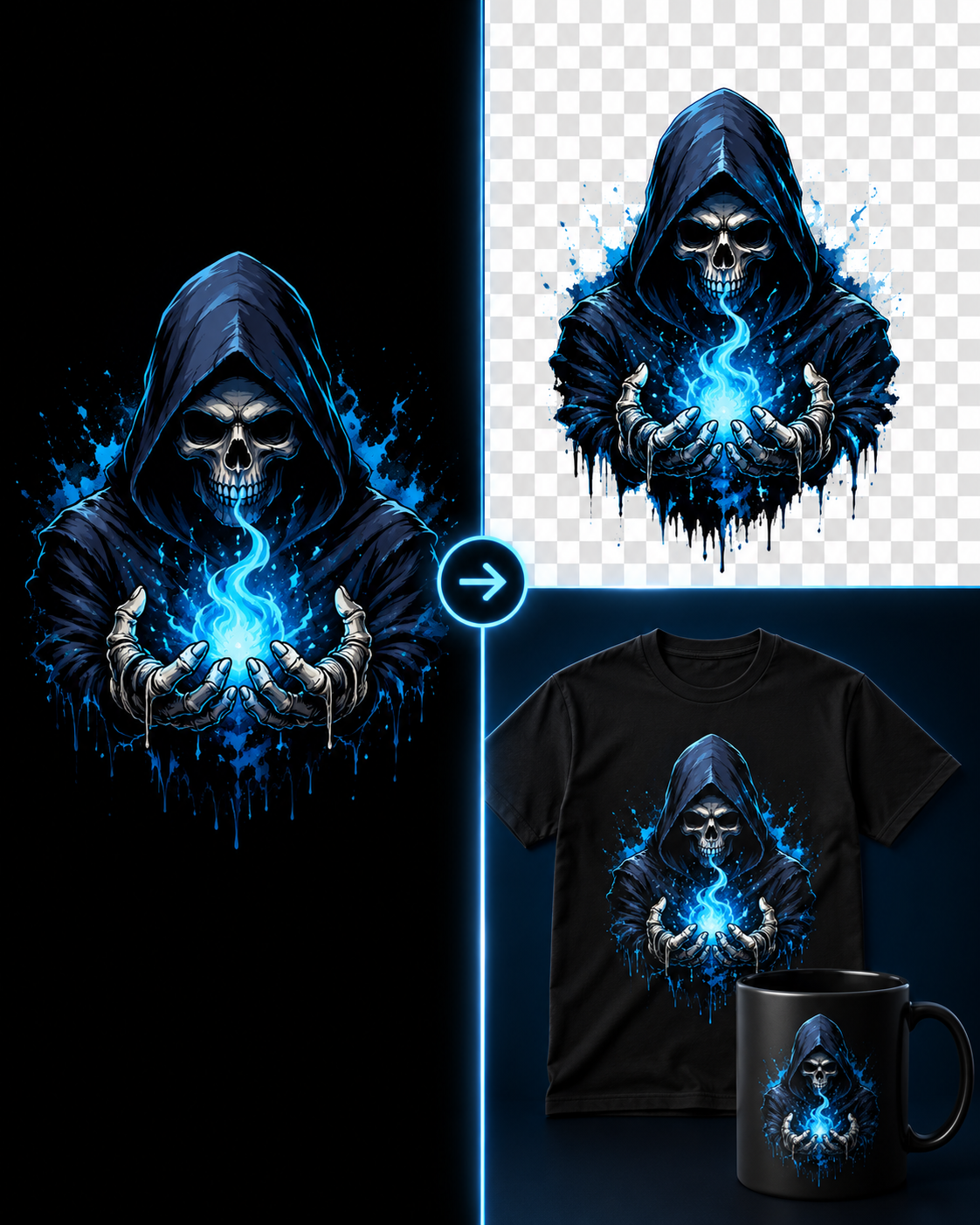
Most design backgrounds are a flat colour (black, white, or a single solid tone), yet the artwork itself often contains that same colour somewhere inside it — the black field behind the stars on a flag, for example. A naïve "delete every black pixel" approach destroys those interior areas. This tool removes only the background that is actually connected to the edges of the image, so same-coloured regions inside the design are preserved. The result is a transparent cut-out that drops cleanly onto any shirt colour without a dark fringe around the edges.
It also handles the practical, repetitive parts of preparing print files: softening jagged edges, cleaning up stray specks, and dropping the finished design onto a fixed-size canvas with consistent margins — across an entire batch.
Key features
The application removes backgrounds using three selectable methods. Smart Edge is the default and works best for solid-colour backgrounds; it deletes only the background touching the borders and keeps interior regions of the same colour intact. Color Key removes every pixel matching the background colour, useful when the design shares no colour with its background. AI (rembg) uses a neural segmentation model for photographs or complex, non-uniform backgrounds; it is optional and only needed for those harder cases.
Beyond removal, the tool offers edge smoothing with an anti-halo step that pushes foreground colour outward so softened edges never show a dark or white ring; adjustable colour tolerance; resolution-independent despeckling that strips small isolated specks (the threshold scales with image size so the preview matches the final output); and optional edge colour decontamination that removes background bleed from semi-transparent pixels.
An optional canvas-placement feature positions the finished design on a fixed transparent canvas — for example 4500 × 5400 pixels — with independently adjustable top and side margins. The design is centred horizontally, aligned to the top, scaled up without distorting its aspect ratio, and automatically shrunk if it would otherwise overflow the canvas. This produces ready-to-upload print files with uniform placement.
Everything runs as a batch with a live before/after preview, a transparency checkerboard, and selectable backdrop colours (white, black, green, red) so you can inspect edges for halos before committing. Output is saved as PNG with a configurable filename suffix into an output folder of your choice.
How it works (brief)
For solid backgrounds the tool samples the background colour from the image corners, builds a mask of pixels within a tolerance of that colour, and then keeps only the portion of that mask connected to the image border (a flood fill). Edge pixels receive a graduated transparency based on how close they are to the background colour, and an optional decontamination pass recovers the true foreground colour of semi-transparent edge pixels. When spatial smoothing is enabled, foreground colour is first extended outward so the softened edge cannot pick up a background-coloured halo. Despeckling runs before smoothing, while specks are still separate islands, and its size threshold is scaled to the image resolution so behaviour is consistent between the small preview and the full-size export.
Requirements
The application is written in Python 3 and uses a small set of well-known libraries.
Component Purpose Required? Python 3.8+ Runtime Yes Pillow Image loading, resizing, saving Yes NumPy Pixel-array maths Yes SciPy Connected-component / flood-fill / smoothing Strongly recommended rembg + onnxruntime AI background removal method Optional Tkinter, the graphical toolkit used for the interface, ships with the standard Python installer on Windows and macOS, so it usually needs no separate install.
Install the core dependencies with:
pip install pillow numpy scipy
And, only if you want the AI method:
pip install rembg onnxruntime
If SciPy is not installed, the Smart Edge method still works but falls back to a slower pure-Python flood fill, and despeckling is disabled. Installing SciPy is recommended for speed and full functionality.
Platform support: Windows, macOS — and Linux
The application is cross-platform and runs on both Windows and macOS, as well as Linux. It depends only on Python and the libraries above, all of which are available on every major desktop operating system. There is no platform-specific code beyond the "open output folder" shortcut, which is handled correctly for each system (Explorer on Windows, Finder on macOS, the default file manager on Linux).
A few platform notes worth knowing:
On Windows, install Python from python.org (Tkinter is included by default). Run the program with python arkaplan_temizleyici.py from a Command Prompt or PowerShell, or simply double-click the file if .py files are associated with Python.
On macOS, use a recent Python from python.org or Homebrew. The python.org build bundles a compatible Tkinter; some older or minimal Python installs may need the Tk component added. Run with python3 arkaplan_temizleyici.py from Terminal. The interface uses the Windows fonts Segoe UI and Consolas, which do not exist on macOS; Tkinter automatically substitutes the system default font instead. This has no effect on functionality — every feature works identically — but the text will render in macOS's own font rather than looking pixel-for-pixel like the Windows version.
On Linux, you may need to install the Tk package separately (for example sudo apt install python3-tk on Debian/Ubuntu) since it is not always bundled.
In all cases the program is a single .py file with no installer; you run it directly with Python.
Installing and running
- Install Python 3 for your operating system.
- Install dependencies: pip install pillow numpy scipy (add rembg onnxruntime for the AI method).
- Run the application: python arkaplan_temizleyici.py (use python3 on macOS/Linux).
Typical workflow
Add files or a whole folder, then select an image to see a live preview. Pick a removal method — Smart Edge for flat backgrounds is the usual choice — and adjust tolerance, edge smoothing, and despeckling while watching the preview update. Use the backdrop selector to drop the cut-out onto a coloured background and confirm the edges are clean. If you want fixed print dimensions, enable canvas placement and set the width, height, top margin, and side margin. Finally, choose an output folder and run the batch; every file is exported as a transparent PNG.
Tips and limitations
Smart Edge expects the background to be a reasonably uniform colour that reaches the image borders; gradients or busy photographic backgrounds are better handled by the AI method. On intentionally distressed or grunge-textured artwork, large texture fragments are part of the design and are preserved, so despeckling removes only the smaller isolated specks — increase the despeckle value for more aggressive cleanup, and watch the status bar, which reports how many specks were removed. Because the tool outputs raster PNGs, scaling a low-resolution source up to a large print canvas cannot add detail that was not there; start from the highest-resolution source you have for the best print quality.